iOS Document Scanner · v1.0.1
Scan.
Store.
Export.
Quick Scan, full OCR, Obsidian integration, iCloud sync — built for power users who care about where their documents go.
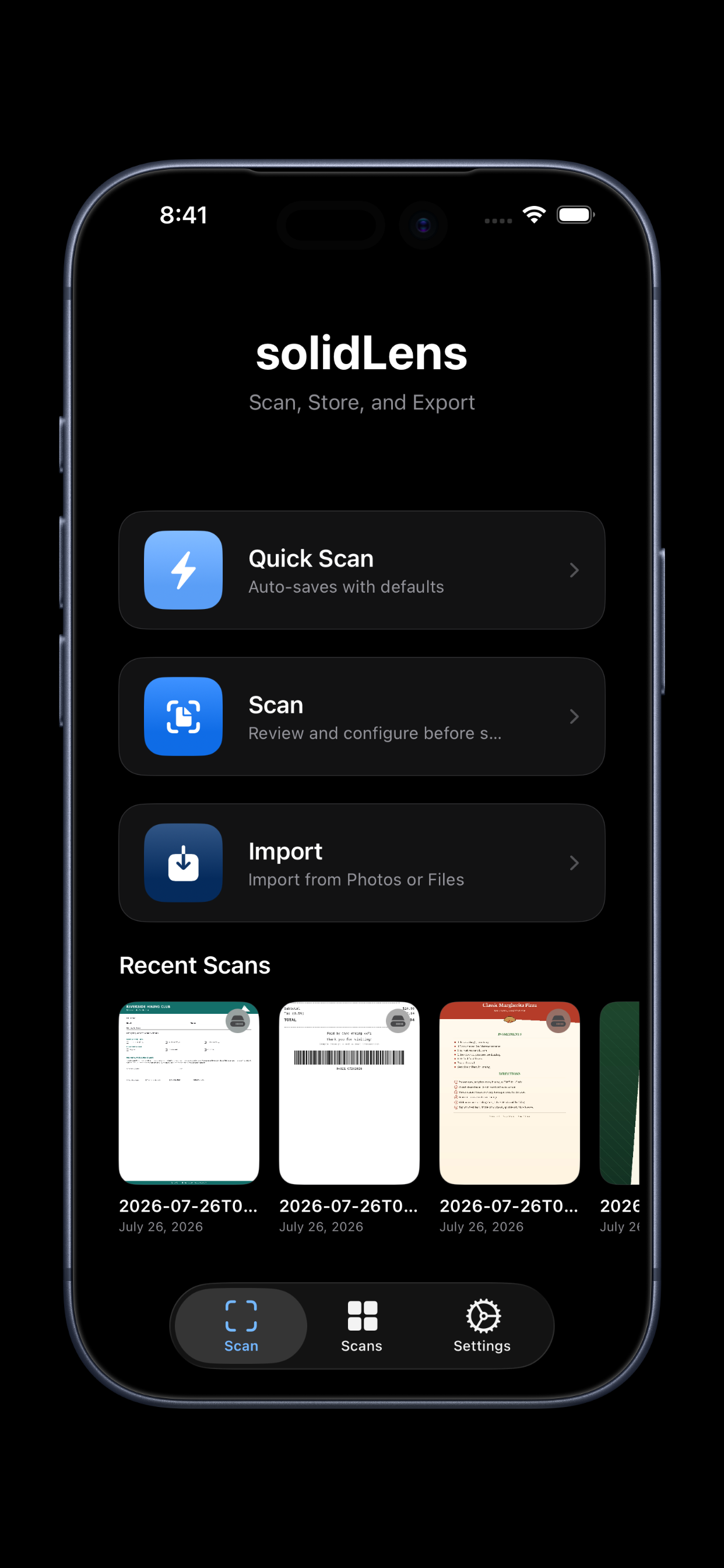
Quick Scan, full OCR, Obsidian integration, iCloud sync — built for power users who care about where their documents go.
Three scan modes. Smart classification. Instant export. All in a clean, distraction-free interface.
One tap — auto-saves immediately with smart defaults. No review, no friction. Configure a quick action that fires the moment the scan is done.
Native Apple VisionKit delivers edge detection, perspective correction, and automatic capture — all on-device. Import from Photos or Files too.
Every page is recognized with Apple's Vision framework — all on-device. Search your entire library by the text inside your scans.
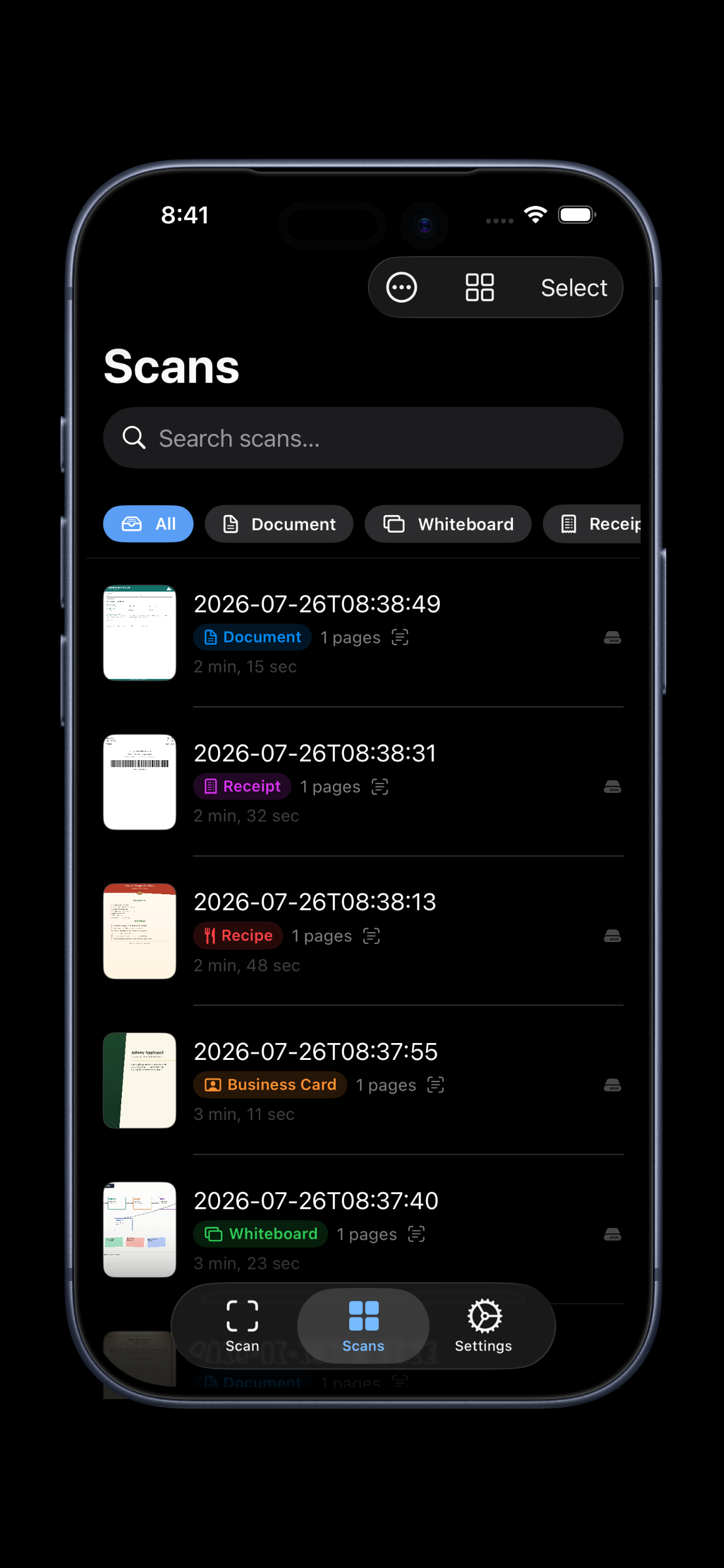
Scans are auto-sorted into Documents, Whiteboards, Receipts, Business Cards, and Recipes. Business cards offer a one-tap prefill into Apple's contact editor; receipts get their vendor, total, and date parsed out automatically.
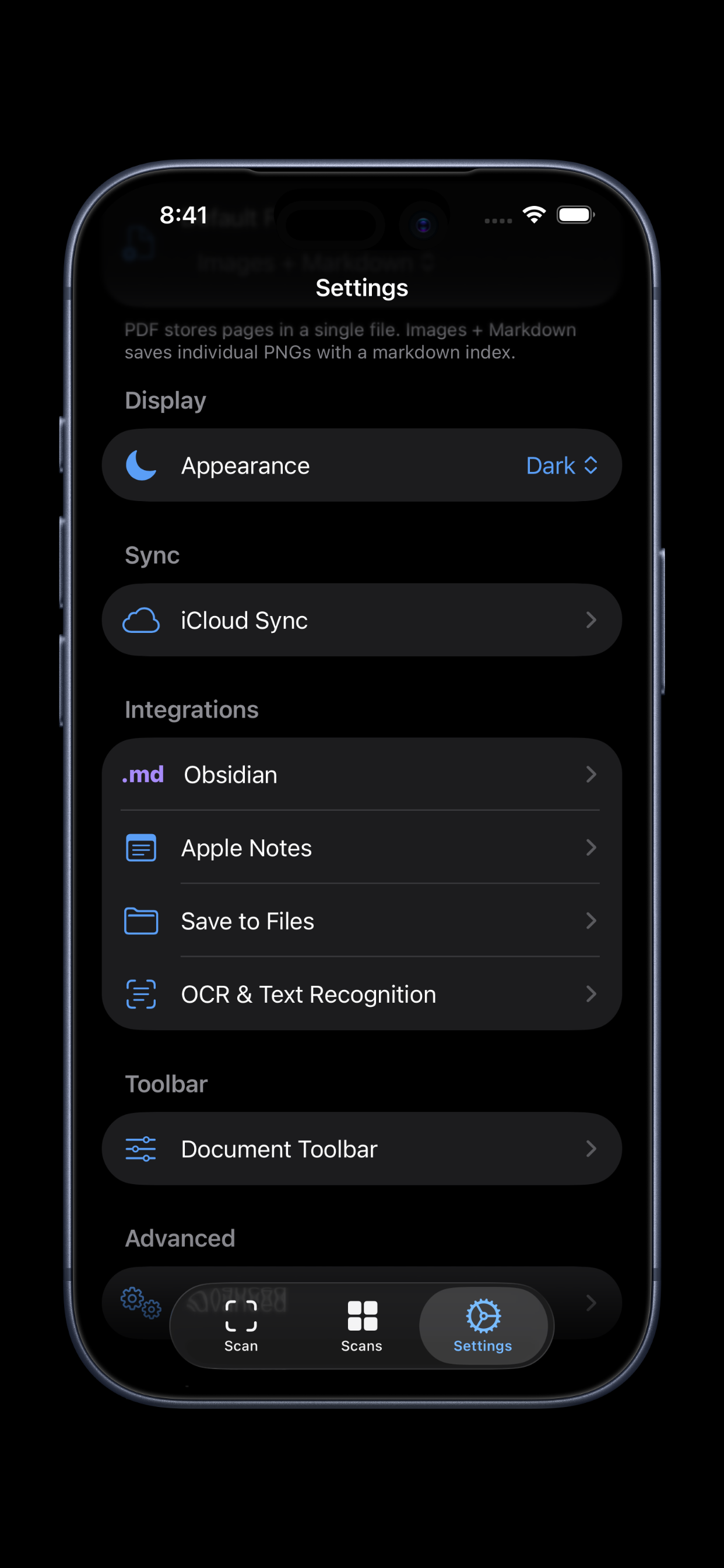
Send scans straight to your Obsidian vault as a Markdown note with OCR text and linked images — organized by document type, with multi-vault support and auto-export on every scan.
Every scan can be saved as plain Markdown — an open format readable anywhere, forever. No proprietary lock-in, no app dependency.
Scans sync across all your devices via your own iCloud account — never our servers. Mark any scan local-only, or turn syncing off entirely.
PDF or Images + Markdown — export to Files, Apple Notes, AirDrop, print, or any app on your device. Customize the toolbar, and recover deleted scans for 30 days from Recently Deleted.
Browse scans in list or grid view, filter by type, and sort by date, title, or page count. Multi-select to batch share, export to Obsidian, or delete.
$1.99 On the App Store. Powerful from day one.

 Default
 Dark
Dark
 Clear Dark